Kotlin Multiplatform in 2026: Sharing Code Between Android and iOS Without Compromise
I’ve shipped the same login screen twice — once in Kotlin for Android, once in Swift for iOS — more times than I’d like to admit. Same validation rules, same API calls, same retry logic, written twice, tested twice, and inevitably drifting apart the moment one platform gets a bugfix the other doesn’t. Kotlin Multiplatform was supposed to fix that, and for a long time it felt like a promising side project more than a real answer. In 2026 that’s changed. I spent the last couple of weeks pulling an existing Android app’s data layer into a shared KMP module and pointing an iOS target at it, and I want to walk through what actually works now, what still has sharp edges, and how to think about where the platform boundary should sit.
What Kotlin Multiplatform actually is in 2026
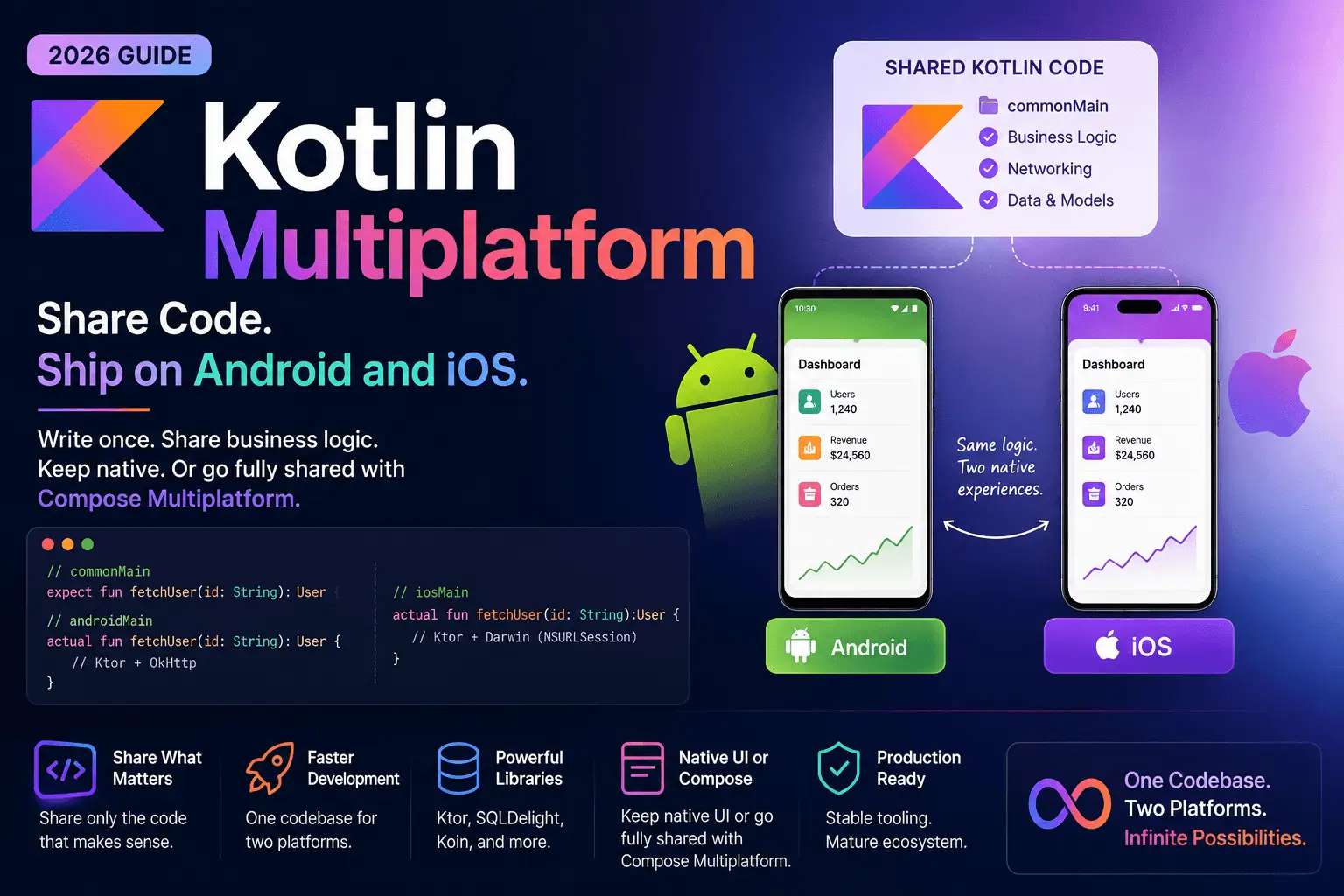
Kotlin Multiplatform (KMP) is not a cross-platform UI framework in the way Flutter or React Native are. It’s a compilation strategy: you write Kotlin code once, and the Kotlin compiler produces a JVM/Android target, a native iOS target (via Kotlin/Native, compiled to an .framework you link into an Xcode project), plus JS/Wasm targets for web if you want them. The key mental model is that you choose what to share, not the framework. You can share just a data model, share a full networking and persistence layer, share your entire business logic and view-model layer, or go all the way and share UI with Compose Multiplatform. Nothing forces you further than you want to go.
JetBrains has spent the last two years hardening this pipeline specifically for the Android-plus-iOS case — that’s now officially branded as Kotlin Multiplatform for mobile use cases, with first-class support baked into Android Studio and a stable Xcode integration path via the native.cocoapods plugin or direct Swift Package Manager support (SPM support for KMP frameworks shipped as stable in the Kotlin 2.2 toolchain). If you tried KMP in 2021 and bounced off broken Gradle sync or missing IDE support, it’s worth another look — that tooling gap is largely closed.
The expect/actual mechanism: how platform differences get handled
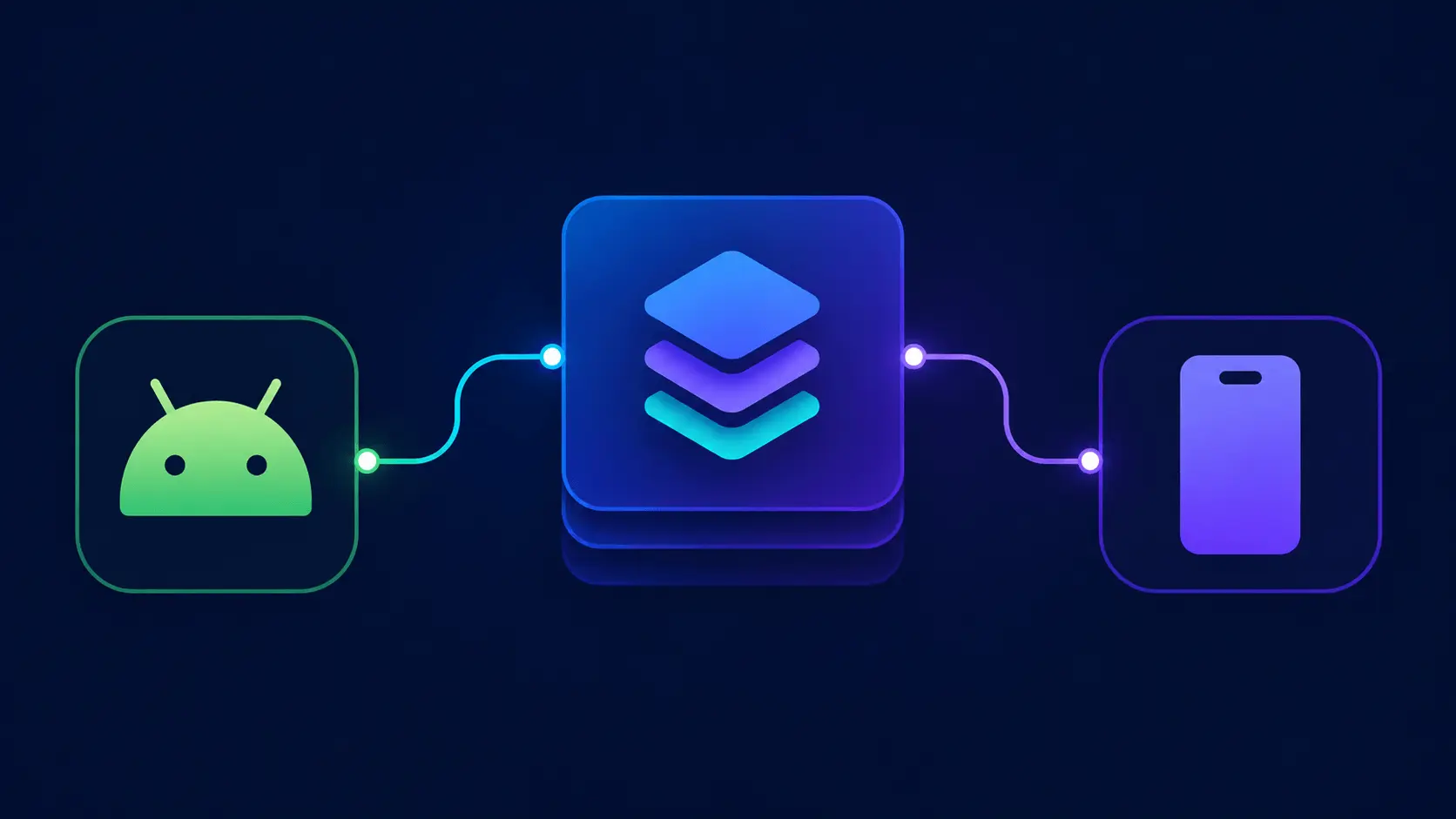
The core language feature that makes sharing possible without pretending platforms are identical is expect/actual. In your shared module, you declare what you need without saying how it’s done:
// commonMain
expect class PlatformInfo {
    val deviceName: String
    val osVersion: String
}

expect fun currentTimeMillis(): Long
Then each platform provides its own implementation:
// androidMain
actual class PlatformInfo {
    actual val deviceName: String = Build.MODEL
    actual val osVersion: String = "Android ${Build.VERSION.SDK_INT}"
}

actual fun currentTimeMillis(): Long = System.currentTimeMillis()
// iosMain
actual class PlatformInfo {
    actual val deviceName: String = UIDevice.currentDevice.model
    actual val osVersion: String = UIDevice.currentDevice.systemVersion
}

actual fun currentTimeMillis(): Long =
    (NSDate().timeIntervalSince1970 * 1000).toLong()
}
This is the whole trick. Anywhere your logic genuinely needs a platform API — file system paths, secure storage, date formatting quirks, permission dialogs — you declare the contract once in commonMain and satisfy it per platform. Everything else — parsing JSON, validating a form, computing a retry backoff, mapping a DTO to a domain model — just lives in commonMain and never gets duplicated again.
What you can realistically share today
In a 2026 KMP project, here’s what typically moves into the shared module without a fight:
- Networking: Ktor Client has multiplatform engines for OkHttp (Android) and Darwin/NSURLSession (iOS), so a single Ktor client configuration, request builder, and response-parsing layer works on both.
- Persistence: SQLDelight generates typed Kotlin database APIs from
.sqSQL files and compiles against SQLite on Android and the native SQLite bindings on iOS — one schema, one query set, two platforms. - Serialization:
kotlinx.serializationhandles JSON (and protobuf, CBOR) identically on both targets. - Business logic and view models:
kotlinx.coroutinesruns natively on iOS now via the multiplatform coroutines dispatcher, so your view-model layer — includingFlow-based state — can live entirely in shared code and be observed from SwiftUI. - Dependency injection: Koin and Kodein both have stable multiplatform artifacts, so you can wire your shared services once.
What most teams still keep native: the actual UI layer, platform-specific integrations (push notification registration, deep link handling at the OS level, in-app purchase flows), and anything tightly coupled to platform design language.
Compose Multiplatform for iOS: how far UI sharing has come
This is the part that’s changed the most since KMP first launched. Compose Multiplatform — JetBrains' adaptation of Jetpack Compose that also targets iOS, desktop, and web — reached iOS stability in late 2024, and by 2026 it’s a legitimate option for teams that want to share UI, not just logic. It renders through Skia directly rather than translating to native UIKit or SwiftUI widgets, which means visual consistency across platforms is close to perfect, and you write one Compose UI tree that runs unmodified on both.
The tradeoff is the one you’d expect: because it isn’t UIKit or SwiftUI under the hood, you don’t automatically inherit iOS platform conventions — swipe-back gestures, native scroll physics, system-level accessibility behaviors — you either replicate them or ship something that feels slightly “off” to an iOS user who knows the difference. Teams building internal tools, dashboards, or apps where brand consistency matters more than platform-native feel (think a companion app for a SaaS product) get the most value here. Teams building a flagship consumer app where iOS users expect iOS-native polish still tend to keep native SwiftUI and Jetpack Compose UIs, sharing only the layer beneath them. Both are valid architectures in 2026 — the point is you now get to choose, rather than the tooling choosing for you.
A worked example: sharing a repository layer
Here’s a trimmed version of what a shared repository looks like in practice — the kind of code that used to exist twice in every app I’ve worked on:
// commonMain
class UserRepository(
    private val httpClient: HttpClient,
    private val database: AppDatabase
) {
    suspend fun getUser(id: String): Result<User> = runCatching {
        val cached = database.userQueries.selectById(id).executeAsOneOrNull()
        if (cached != null) return@runCatching cached.toDomain()

        val response = httpClient.get("https://api.example.com/users/$id")
            .body<UserDto>()

        database.userQueries.insert(response.toEntity())
        response.toDomain()
    }
}
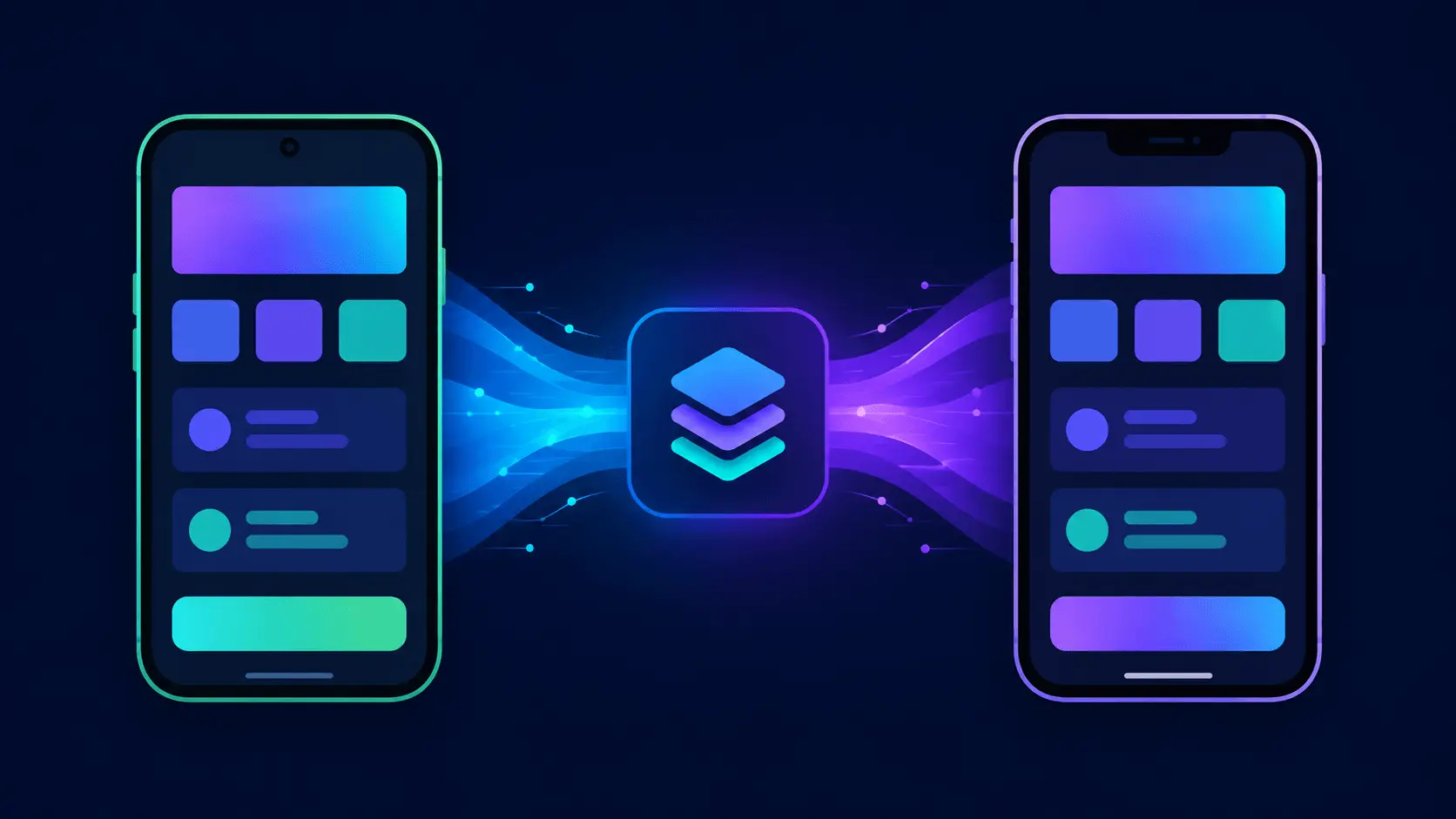
That class compiles for Android and iOS with zero changes. On Android it’s injected into a ViewModel; on iOS it’s injected into an ObservableObject wrapper that bridges Kotlin Flow to SwiftUI’s @Published state. Neither platform reimplements caching, retry, or the network call — they just consume the same tested repository.
Where the sharp edges still are
It would be dishonest to present this as friction-free. A few things to budget time for:
- Build times: Kotlin/Native compilation for iOS targets is noticeably slower than JVM compilation, especially on a cold build. CI pipelines building both Android and iOS artifacts from one shared module need real caching strategy (Gradle build cache plus Kotlin/Native’s own compilation cache) or you’ll be waiting a long time per PR.
- Debugging across the boundary: stepping from Swift code into shared Kotlin code inside Xcode works, but the debugging experience is still a notch behind debugging pure Swift — breakpoints and variable inspection in
.ktfiles opened from Xcode can be inconsistent depending on toolchain version. - Objective-C interop quirks: Kotlin/Native exposes your shared code to Swift through a generated Objective-C header, which means Kotlin’s richer type system (sealed classes, default parameters, suspend functions) gets flattened into patterns that feel awkward from Swift — suspend functions become completion-handler closures unless you’re using the newer Swift
async/awaitbridging, which is better in 2026 but not seamless. - Binary size: shipping a Kotlin/Native framework adds meaningful size to an iOS app compared to pure Swift, largely from the Kotlin runtime and coroutines machinery getting statically linked in.
None of these are dealbreakers for most teams, but they’re real costs you’re trading against not writing your business logic twice.
KMP vs. writing fully native Android and iOS apps
The honest comparison isn’t “KMP vs Flutter” or “KMP vs React Native” — it’s “KMP vs. two separate native codebases,” because that’s the actual alternative most teams weighing this are considering. Fully native gives you the smallest possible app, the deepest platform-API access, and no interop layer to reason about, at the cost of duplicating every piece of business logic and paying for it twice in engineering time and twice in bugs when the two implementations quietly diverge. KMP keeps your UI native (or shares it via Compose Multiplatform if you choose) while collapsing the logic layer into one implementation, one test suite, one source of truth for how your app behaves — the tradeoff is a build pipeline with more moving parts and an interop layer you have to understand well enough to debug.
For a team already maintaining separate Android and iOS apps with meaningful business logic — anything with non-trivial networking, caching, offline sync, or domain rules — KMP in 2026 is a reasonable default to evaluate, not just an experiment. For a brand-new small app, or a team with only one platform’s worth of native expertise on staff, the calculus is different, and that’s exactly where Flutter or a fully native single-platform app can still be the simpler answer.
Frequently asked questions
Is Kotlin Multiplatform production-ready in 2026? Yes for the core use case of sharing business logic — networking, persistence, and domain code. JetBrains and Google both back it, and companies including Netflix, McDonald’s, Philips, and Forbes run shared KMP modules in production. Compose Multiplatform for iOS UI is production-ready for many app categories but is a more recent, less battle-tested layer than the logic-sharing side.
Do I need to know Swift to use Kotlin Multiplatform?
You need enough Swift to build the iOS app shell and consume the shared Kotlin framework — writing the actual UI, wiring dependency injection, bridging Flow to Combine or @Observable. If you’re sharing UI via Compose Multiplatform, you can get away with much less Swift, but some native glue is still typically needed for App Store requirements like push notification entitlements.
How much code can realistically be shared? Teams commonly report sharing 50-70% of their codebase when sharing business logic only, and higher when adopting Compose Multiplatform for UI too. The exact number depends heavily on how much platform-specific integration your app needs.
Is Compose Multiplatform the same as Jetpack Compose? It’s built on the same Compose compiler and a similar API surface, so Android developers feel at home immediately, but it’s a separate multiplatform artifact that renders via Skia across targets rather than being Jetpack Compose itself running on iOS.
What’s the difference between Kotlin Multiplatform and Kotlin Multiplatform Mobile (KMM)? KMM was the earlier branding specifically for the Android/iOS use case. JetBrains folded that terminology back under the general “Kotlin Multiplatform” umbrella as the platform expanded to desktop, web, and server targets — functionally it’s the same technology.
Closing thought
The thing that convinced me KMP earned another look wasn’t a benchmark or a keynote slide — it was noticing, halfway through moving that login flow into a shared module, that I’d stopped thinking about “the Android version” and “the iOS version” of the validation logic. There was just the logic, tested once, running on both. Whether you stop there or go further into sharing UI with Compose Multiplatform is a real architectural decision worth making deliberately — but the option to stop at “share the boring, correctness-critical stuff and keep the UI native” is, on its own, worth the setup cost for most teams maintaining two mobile codebases in 2026.