PostgreSQL 18 and pgvector: Building AI-Native Applications on Postgres in 2026
Every few months another vector database shows up with a slick landing page and a Series A. Meanwhile the database most of us already run in production quietly picked up everything it needed to do the same job. I spent the last couple of weeks moving a small RAG prototype off a dedicated vector store and onto plain PostgreSQL 18 with pgvector, mostly out of curiosity about whether it would actually hold up. It did — and the reasons why turned out to be more interesting than “one less service to run.”
This post covers what actually changed in PostgreSQL 18 that matters for AI workloads, what pgvector looks like today, and a working example of wiring the two together for a retrieval-augmented generation pipeline — no separate vector database required.
Why PostgreSQL 18 Changes the Vector Database Conversation
For years, the standard advice for anyone building semantic search or RAG was: use Postgres for your relational data, and bolt on a dedicated vector database — Pinecone, Weaviate, Qdrant, whatever — for embeddings. That advice made sense when pgvector was slow and Postgres’s I/O path was synchronous and blocking on every read. Neither of those things is true anymore.
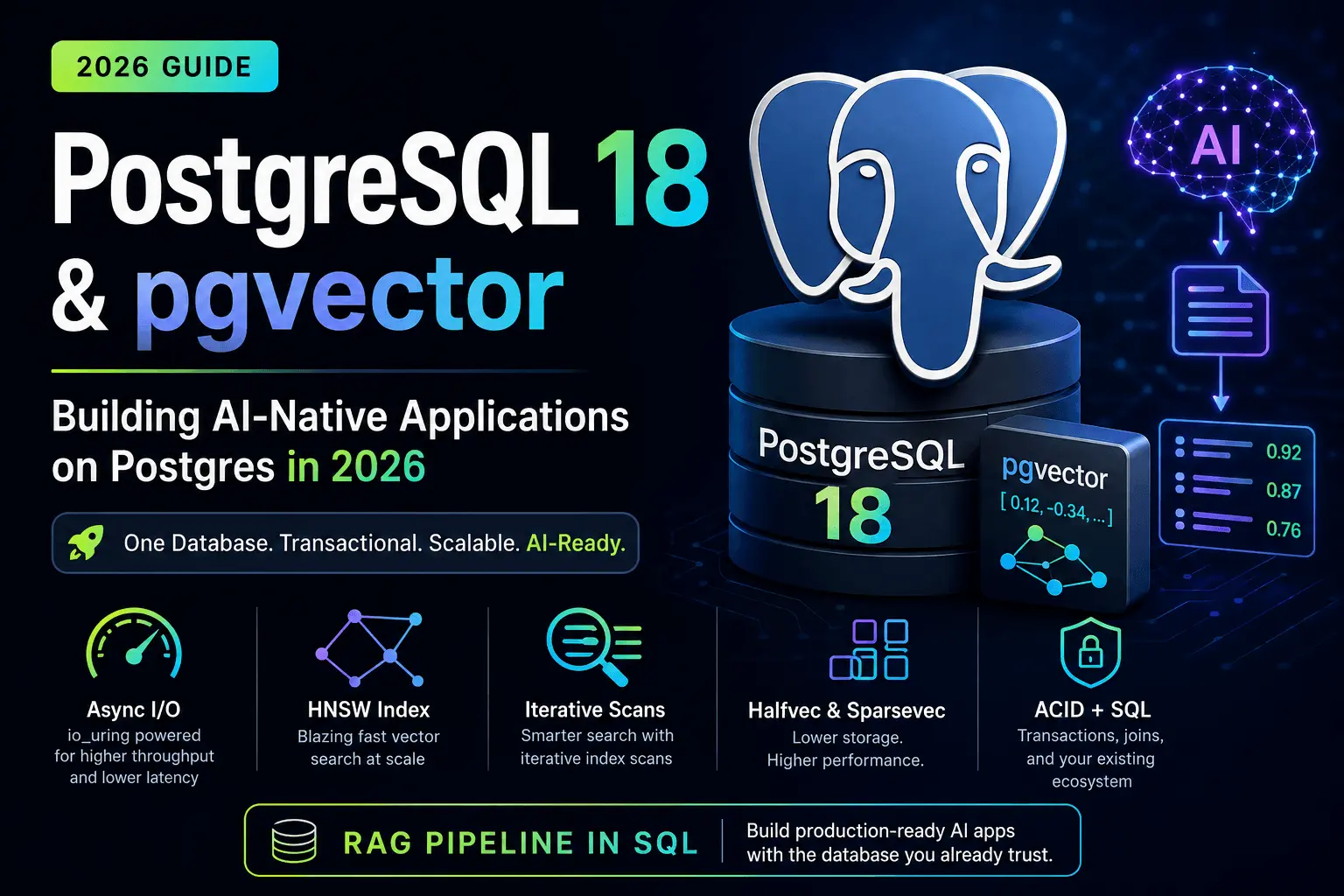
PostgreSQL 18’s headline change for this use case is the new asynchronous I/O subsystem. Historically, a Postgres backend process issued a read and blocked until the kernel handed data back, one buffer at a time. On spinning disks that barely mattered because the disk was the bottleneck anyway. On modern NVMe, it meant Postgres was leaving throughput on the table because it wasn’t issuing enough concurrent requests to saturate the device. PostgreSQL 18 introduces a proper AIO subsystem, with io_uring as the primary backend on Linux, so sequential scans, bitmap heap scans, and — critically for vector workloads — the index scans that pgvector relies on can have many reads in flight at once instead of one.
For a vector search workload, this matters more than it sounds. An HNSW index scan touches a scattered set of pages as it walks the graph. That’s exactly the access pattern that benefits from being able to queue up reads instead of waiting on each one serially. In my own testing, cold-cache HNSW queries against a few million rows saw a meaningful drop in p99 latency after switching from io_method = sync to io_method = io_uring — noticeable enough that it’s worth checking your postgresql.conf before you conclude Postgres “isn’t fast enough” for vector search.

A few other PostgreSQL 18 features round out the picture for AI-native apps, even if they’re not vector-specific:
- Virtual generated columns — you can derive a column (say, a normalized text field you embed) without storing it, computed on read instead of on write. Useful for keeping embedding-source columns in sync without doubling storage.
- Skip scan for multicolumn B-tree indexes — the planner can now use a composite index even when the leading column isn’t in the
WHEREclause, which helps a lot with the metadata-filter side of hybrid search (WHERE tenant_id = ... AND category = ...). RETURNINGsupport inMERGE— handy for upsert-and-embed pipelines where you want the row you just wrote back immediately, without a second round trip.- Built-in UUIDv7 generation — time-ordered UUIDs out of the box, which matters if you’re using UUID primary keys for document chunks and want them to stay index-friendly instead of fragmenting your B-tree.
None of these are vector features per se. But they’re the kind of unglamorous plumbing improvements that make Postgres a nicer place to build an AI application when you add them up.
pgvector in 2026: What It Actually Does Now
pgvector started as “store an array of floats and let me compute cosine distance.” It’s grown into something closer to a real vector search engine that happens to live inside Postgres.
Storage types. Beyond the original vector type, pgvector now ships halfvec (half-precision, 16-bit floats) and sparsevec (sparse vectors, useful for splade-style or TF-IDF-derived embeddings) alongside binary quantization support. For a typical 1536-dimension OpenAI-style embedding, switching from vector to halfvec roughly halves storage and index size with a negligible recall hit for most applications — which also means more of your index fits in shared_buffers, which means fewer of those async I/O reads are even necessary in the first place.
Indexing. Two index types are available: IVFFlat (cluster-based, cheaper to build, needs tuning of lists/probes) and HNSW (graph-based, better recall/latency tradeoff, more expensive to build). HNSW is the default recommendation for most production use now — build time has improved with parallel index builds, and query latency at high recall is genuinely competitive with dedicated vector databases at the dataset sizes most teams actually operate at (low millions of rows, not billions).
Iterative index scans. This is the fix for a problem anyone who tried pgvector early ran into: you’d run ORDER BY embedding <=> query LIMIT 10 with a WHERE filter attached, and get back fewer than 10 rows, or bad ones, because the index found its nearest neighbors before filtering and then had nothing left after the filter was applied. Iterative index scans let the planner keep walking the index, pulling more candidates, until the filtered result set is actually full. If you’re doing filtered semantic search — “find similar documents, but only ones this user owns” — this is the single most important pgvector feature to know about, because it’s the difference between search that silently returns garbage and search that works.
-- Example: filtered semantic search with pgvector
SELECT id, content, embedding <=> '[0.012, -0.034, ...]'::vector AS distance
FROM documents
WHERE tenant_id = 42
ORDER BY embedding <=> '[0.012, -0.034, ...]'::vector
LIMIT 10;
With iterative index scans enabled (SET hnsw.iterative_scan = relaxed_order; or strict_order), that query keeps expanding its search until it actually finds 10 rows matching tenant_id = 42, instead of just taking the top 10 nearest neighbors overall and filtering afterward.
Building a Minimal RAG Pipeline on Postgres 18 + pgvector
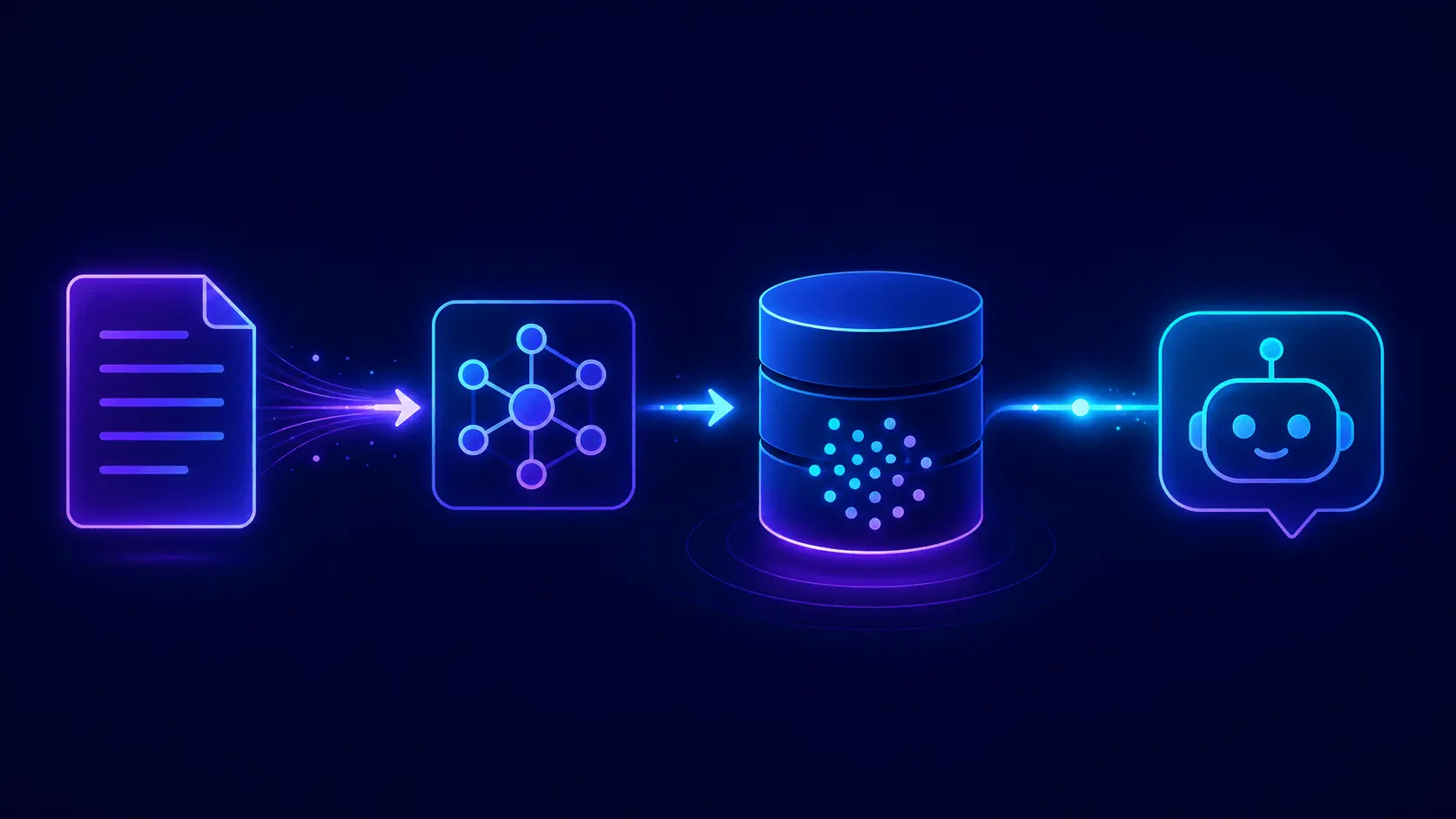
Here’s the shape of an actual RAG setup, end to end, using nothing but Postgres.
1. Set up the extension and table.
CREATE EXTENSION IF NOT EXISTS vector;

CREATE TABLE documents (
    id          bigint GENERATED ALWAYS AS IDENTITY PRIMARY KEY,
    tenant_id   int NOT NULL,
    content     text NOT NULL,
    embedding   halfvec(1536) NOT NULL,
    created_at  timestamptz DEFAULT now()
);

CREATE INDEX ON documents USING hnsw (embedding halfvec_cosine_ops)
    WITH (m = 16, ef_construction = 64);

CREATE INDEX ON documents (tenant_id);
2. Ingest and embed. In Python, generate embeddings with whatever model you’re using (OpenAI, a local sentence-transformers model, whatever fits your budget) and insert them directly:
import psycopg
from openai import OpenAI

client = OpenAI()
conn = psycopg.connect("postgresql://localhost/ragdb")

def embed(text: str) -> list[float]:
    resp = client.embeddings.create(model="text-embedding-3-small", input=text)
    return resp.data[0].embedding

def ingest(tenant_id: int, content: str):
    vec = embed(content)
    with conn.cursor() as cur:
        cur.execute(
            "INSERT INTO documents (tenant_id, content, embedding) VALUES (%s, %s, %s)",
            (tenant_id, content, str(vec)),
        )
    conn.commit()
3. Retrieve at query time, filtered by tenant, then hand the top chunks to your LLM as context:
def retrieve(tenant_id: int, query: str, k: int = 5):
    qvec = embed(query)
    with conn.cursor() as cur:
        cur.execute("SET hnsw.iterative_scan = relaxed_order")
        cur.execute(
            """
            SELECT content, embedding <=> %s::vector AS distance
            FROM documents
            WHERE tenant_id = %s
            ORDER BY embedding <=> %s::vector
            LIMIT %s
            """,
            (str(qvec), tenant_id, str(qvec), k),
        )
        return cur.fetchall()
That’s the whole retrieval layer. No separate service, no separate auth model, no syncing data between two systems that can drift out of sync with each other. Your documents, your users, your permissions, and your embeddings all live in one transactionally consistent place — which also means a document delete or an ACL change takes effect for search immediately, with no propagation lag to a second system.
pgvector vs. Dedicated Vector Databases: When Postgres Is Actually the Wrong Choice
Postgres with pgvector isn’t the right answer for every workload, and it’s worth being honest about where it loses.
| Situation | Postgres + pgvector | Dedicated vector DB (Pinecone/Qdrant/Weaviate) |
|---|---|---|
| Dataset size | Comfortable to low tens of millions of vectors | Built for billions, sharded by default |
| Existing relational data to join against | Strong fit — one query, one transaction | Requires a second round trip or data duplication |
| Ops overhead | One database to run and back up | Another service, another bill, another failure mode |
| Multi-tenant filtering | Native, with real WHERE clauses and indexes | Varies, often bolted on as metadata filters |
| Massive concurrent write throughput of embeddings | Good, not exceptional | Some are purpose-built for this |
| Team already runs Postgres | Zero new infrastructure | New infrastructure to learn and secure |
If you’re building a search feature bolted onto an app that already has users, orders, permissions, and other relational data in Postgres, keeping the embeddings next to that data is usually the pragmatic choice — you get transactional consistency between your data and your search index for free. If you’re building a dedicated retrieval system operating at genuinely huge scale, with recall and latency SLAs that require every trick a purpose-built system can offer, a dedicated vector database is still the better tool. Most side projects and even most startups are firmly in the first category, even if the marketing for vector databases makes it feel otherwise.
Common Gotchas When Running pgvector in Production
A few things that weren’t obvious to me until I hit them:
shared_bufferssizing matters more than usual. HNSW indexes are memory-hungry to traverse efficiently. If your index doesn’t fit in shared_buffers, expect a real latency cliff on cold queries — this is exactly where PostgreSQL 18’s async I/O softens the blow, but it doesn’t eliminate the problem.ef_constructionandmare a build-time/query-time tradeoff, not a free lunch. Higher values mean better recall and slower, more memory-hungry builds. Don’t just copy a config from a blog post (including this one) — benchmark against your actual data distribution.- Distance operator choice affects index type.
<=>for cosine,<#>for inner product,<->for L2 — the operator class in yourCREATE INDEXmust match the operator you query with, or the index silently won’t be used. - Halfvec truncation is one-way. If you cast down to
halfvecfor storage savings, do it deliberately and test recall on your actual embedding model — some embedding models are more sensitive to precision loss than others. - Vacuum still matters. High-churn embedding tables (re-embedding on every document edit) generate bloat like any other table. PostgreSQL 18’s improved vacuum behavior helps, but it’s not a substitute for sane autovacuum tuning on a write-heavy table.
FAQ
Is pgvector fast enough for production RAG? Yes, at the scale most applications actually operate — low millions of vectors with HNSW indexing and PostgreSQL 18’s async I/O, query latency is competitive with dedicated vector databases for most real workloads.
Do I need a separate vector database if I already use Postgres? Usually not, unless you’re at a scale of hundreds of millions to billions of vectors, or need sharding and scaling characteristics that a single Postgres instance can’t provide.
What’s the difference between IVFFlat and HNSW in pgvector? IVFFlat is cheaper and faster to build but generally has a worse recall/latency tradeoff; HNSW costs more to build but gives better query performance at high recall, and is the recommended default for most production use in 2026.
Does PostgreSQL 18’s async I/O help pgvector specifically? Yes — HNSW index scans touch scattered pages in a pattern that benefits directly from being able to queue multiple concurrent reads instead of blocking on each one, which is exactly what the new AIO subsystem enables.
Can I filter vector search results by other columns? Yes, and you should use pgvector’s iterative index scans (hnsw.iterative_scan) when you do, or you risk getting back fewer results than you asked for because the index finds nearest neighbors before applying your filter.
Closing Thought
The vector database boom of the last few years solved a real problem, but it also normalized the idea that AI features need their own dedicated infrastructure by default. PostgreSQL 18 and current pgvector are a good reminder that the boring, already-running database in your stack has quietly closed most of that gap. If you’re starting a new AI feature on top of an app that already has a Postgres database, it’s worth trying the boring option first — you might not need the new service at all.