What I Shipped This Month Building Invoiso (v3.4.2)
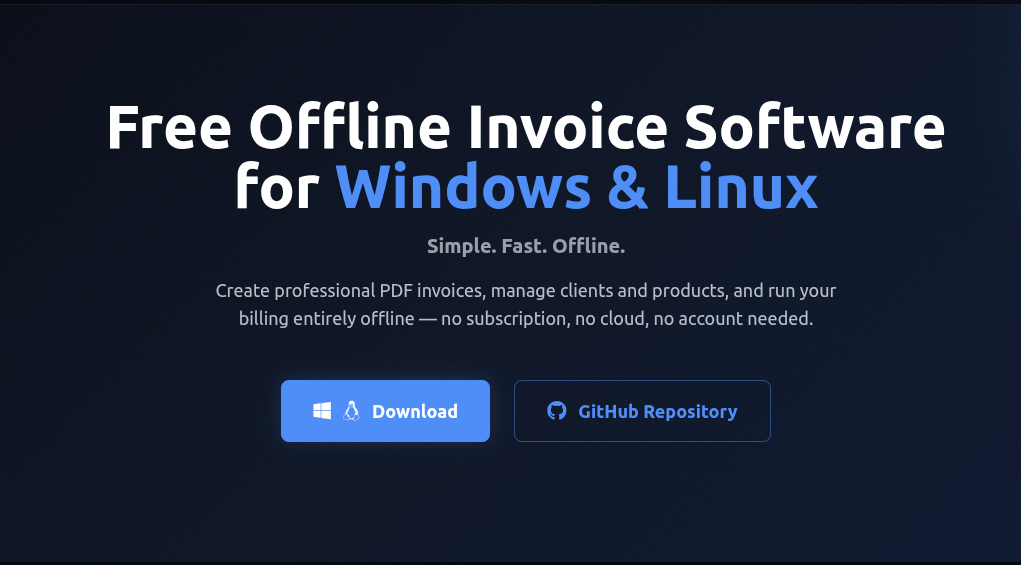
One of the best things about working on Invoiso, a free offline invoice and billing tool available for Windows and Linux operating systems, has been “building in public.” This month has been particularly fruitful as a mix of long-pending features, quality-of-life enhancements, and critical bug fixes were included.
All Changes in v3.4.2 👇
💡 The Focus This Month
This release is all about:
- More flexibility in invoicing
- Better real-world usage
- Smoother payments and workflows
🌍 Multi-Currency Support
One of the most requested features is finally here.
Create invoices in different currencies:
INR · USD · EUR · GBP · JPY · AED · SGD · AUD · CAD · JMD
Each invoice locks in the currency at creation time, maintaining historical data’s accuracy.
Why is multi-currency support important? If you work with clients across borders, you know how annoying currency conversions can be.
🧾 Per Item Tax Rates
Tax rate is now set per item.
Tax rate is no longer set at the invoice level.
Why is per item tax rate useful?
- Mixed GST items
- Different tax rates for different service/product types
This makes things more similar to real-world usage.
💸 UPI QR Code on Invoices
A significant feature update for users in India.
- Enter your UPI ID in settings
- A QR code is automatically added on every invoice you create in PDF format
Clients can also scan and pay instantly using GPay, PhonePe, or Paytm. There is no need to type anything or get confused.
🔁 Invoice Cloning
Creating similar invoices was a tedious task. This feature lets you clone an invoice and use it as a starting point.
A small feature, a big time saver.
📦 Bulk Actions
You can select multiple invoices and perform actions on them in bulk.
More efficiency, less clicks.
💳 Payment Tracking & Receipts
This was a big feature.
- Mark invoices as Paid / Partially Paid / Unpaid
- Track payment history
- Generate downloadable PDF payment receipts
This feature alone makes Invoiso not just an invoice generator, but a basic invoicing system.
🔐 Role-Based Access Control (RBAC)
This feature is for those who work in teams.
- Set admin and user roles
- Set access level for each user
This feature will pave the way for more user-based features.
🧭 Invoice Type Indicator
The invoice type is also visible on the invoice list and dashboard. There is no need to click on an invoice to know its type.
A small feature, a big time saver.
🖥️ Ubuntu 24.04 LTS Support
Linux users, rejoice! Builds are tested and working on Ubuntu 24.04 LTS.
🎨 UI/UX Improvements
-
Redesigned: PDF Settings, Company Info, and Software Info screens
-
Fixed: annoying bug where search fields lost focus on fast typing
-
General layout and visual polish on screens
-
Fixed ₹ symbol rendering incorrectly in generated PDFs
-
Fixed database connection dropping after backup restore
-
Fixed window resizing issues on Linux
-
Updated Windows app icon (all sizes: 16, 32, 48, 256px)
📊 What I Learned
Some observations and insights from this release cycle:
Small UX issues matter more than missing features. The search field focus bug was reported most. More than any missing feature. Fixing UX issues is important.
Payments are core, not optional. Tracking and receipts are a big part of any payment process. This is a game-changer for the product. Should have done this earlier.
Speed of iteration > perfection. Shipping is important. Consistency is key. Will improve and iterate soon.
🔮 What’s Next?
Exploring next for Invoiso:
- Improving reporting & analytics
- Improving payment workflows
- Improving invoice customization options
🙌 Feedback Welcome
If you have tried Invoiso or have any thoughts on it:
- How are you using Invoiso?
- What is missing?
- What is clunky?
Add a comment below or open an issue on GitHub . I read all of them.
Invoiso is free, open source, and runs entirely offline. No account required. No data leaves your device.
Thanks for reading! More updates soon! 🚀