I Built a Free, Offline Invoice App with Flutter
Every time I needed to invoice a client, I ran into the same wall: every decent invoice tool either locks your data in the cloud, wants a monthly subscription, or both. I just wanted something that works offline, keeps my data on my machine, and doesn’t cost me anything.
So I built it.
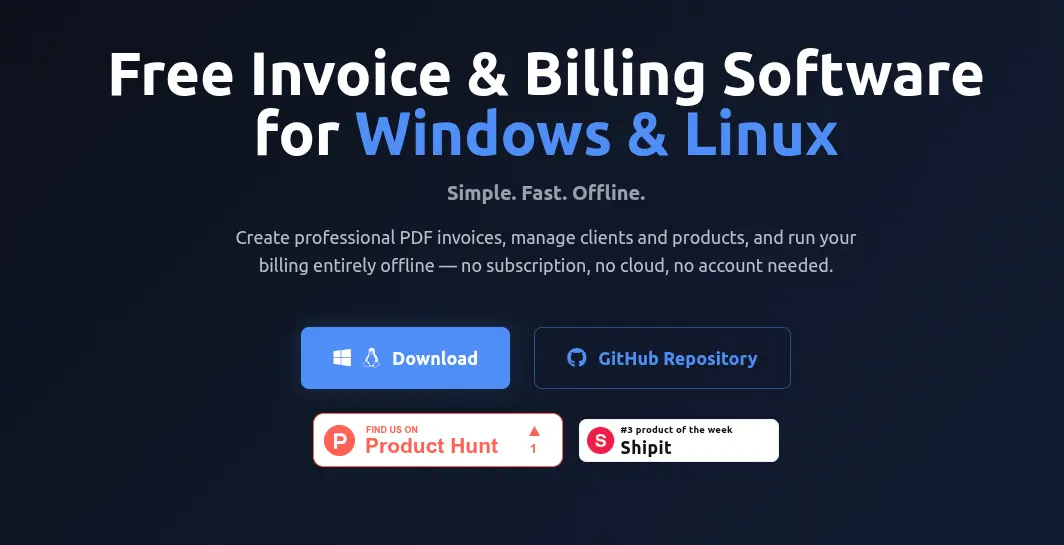
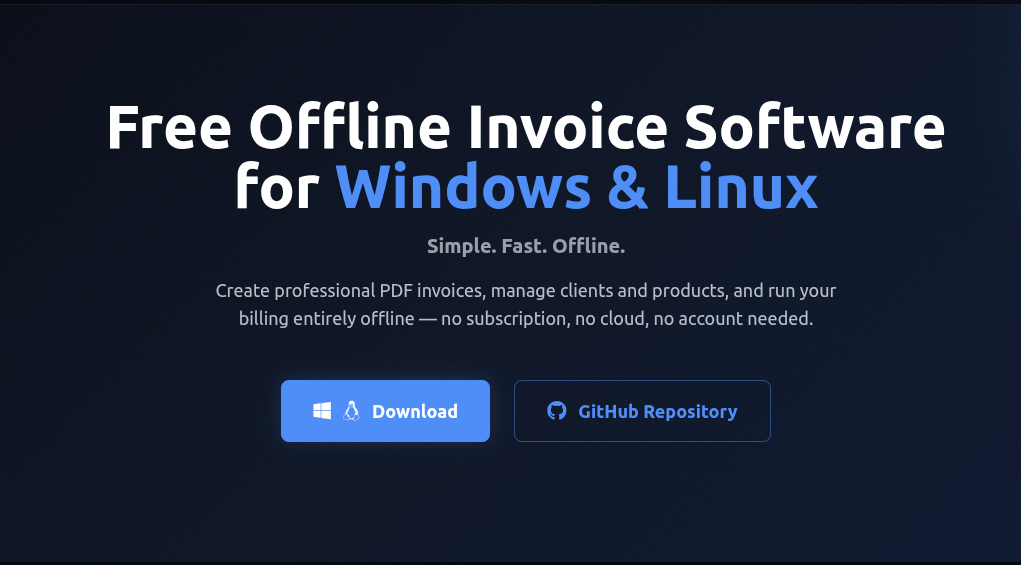
Invoiso is a free, open-source desktop invoice app for Windows and Linux. No account. No internet. No recurring fee. Just a binary you run on your machine.
Why Flutter for a Desktop App?
Flutter is usually talked about in the context of mobile. But Flutter’s desktop support has matured a lot — and it gave me a few things I really wanted:
- One codebase for Windows and Linux — I didn’t want to maintain separate projects.
- A rich widget ecosystem — building forms, data tables, and PDF previews is fast.
- Dart’s type safety — for a data-heavy app with models, migrations, and services, it helps.
The build output is a native binary — no Electron, no Chromium, no 300 MB runtime. The Linux AppImage is lean and starts instantly.
The Stack
| Layer | Tech |
|---|---|
| Framework | Flutter 3.x (Dart) |
| Database | SQLite via sqflite + sqflite_common_ffi |
| State Management | Riverpod |
| PDF Generation | pdf + printing |
| QR Codes | qr |
| CSV Export | csv |
| Window Management | window_manager |
| File Picker | file_picker |
SQLite with sqflite_common_ffi is the key piece for desktop. The mobile sqflite package doesn’t work on Linux/Windows — sqflite_common_ffi wraps the native SQLite library and exposes the same API, so the transition is seamless. All data lives in a single .db file the user controls.
Project Structure
lib/
├── main.dart
├── common.dart          # Shared enums and data classes
├── constants.dart       # UI constants
├── database/            # SQLite helpers and CRUD services
├── models/              # Invoice, Customer, Product, ...
├── providers/           # Riverpod state providers
├── screens/             # All UI screens
├── services/            # PDF generation, CSV/PDF export
├── backup/              # Backup and restore logic
└── utils/               # Logger, formatters, error handler
The database layer follows a service pattern — each entity (invoices, customers, products) has its own service class wrapping raw SQL. Migrations are handled manually in database_helper.dart with a version counter.
Interesting Technical Bits
1. PDF Generation with Three Templates
PDF output is generated using the pdf package (not a web renderer — actual vector PDF). I built three templates: Classic, Modern, and Minimal — each with a distinct layout and color scheme.
The tricky part was making the layout adaptive to variable-length item lists, long product descriptions, and optional sections (GST, UPI QR, logo). The pdf package has its own layout model (similar to Flutter widgets but without hot reload — so a lot of trial and error).
2. UPI Payment QR Code on Invoices
For Indian users, I added UPI QR code embedding. When a UPI ID is configured in settings, the PDF generation encodes a upi://pay?pa={upi_id}&am={total} URI into a QR code using the qr package and renders it directly in the PDF footer. Clients can scan it with GPay, PhonePe, or Paytm to pay instantly.
3. Multi-Currency with Per-Invoice Snapshots
Currency is selected globally in settings, but each invoice stores its own currency_code and currency_symbol at creation time. This means if you change your default currency later, old invoices still display correctly. A simple but important detail — got it wrong the first time and had to add a DB migration.
Speaking of migrations: I maintain a DB_VERSION constant and a chain of _upgradeDbV{n} functions. Each upgrade is additive (new columns with defaults, new tables) — no destructive changes.
4. Backup and Restore
The backup feature is a plain file copy of the SQLite .db file to a user-chosen directory. Restore reverses it. Simple, robust, and the user owns the backup file — they can put it on a USB drive, copy it to another machine, or commit it to their own repo.
Features at a Glance
- PDF invoices — one-click generation in Classic, Modern, or Minimal templates
- Invoices and Quotations — with color-coded tracking
- Invoice cloning — duplicate any document with one click
- Bulk actions — multi-select to export CSV, generate PDFs, or delete
- UPI QR code — embedded scannable payment QR in every PDF
- GST ready — GSTIN fields, HSN codes, per-item or global tax rate
- Multi-currency — INR, USD, EUR, GBP, JPY, AED, SGD, AUD, CAD, JMD
- Customer and product management — full CRUD with search and pagination
- Soft delete / Trash — recoverable deleted invoices
- CSV export — for spreadsheets or accounting software
- Backup and restore — one-click, local file
- Security — login with brute-force protection and session timeout
- 100% offline — zero network calls, ever
Download
| Platform | Format |
|---|---|
| Windows | .exe installer |
| Linux | .AppImage (portable) |
| Linux | .deb package |
Grab the latest from the GitHub Releases page .
Build from Source
git clone https://github.com/Anooppandikashala/invoiso.git
cd invoiso
flutter pub get

# Run in debug mode
flutter run -d linux    # or -d windows

# Release build
flutter build linux --release
flutter build windows --release
Prerequisites: Flutter SDK >= 3.3.3. On Linux you’ll also need clang, cmake, ninja-build, and libgtk-3-dev.
What’s Next
There’s a solid list of planned features:
- Invoice status tracking (Paid / Unpaid / Overdue / Draft) — the biggest gap right now
- Due dates and payment terms (Net 7, Net 30, etc.)
- Payment recording with partial payment support
- Recurring invoices for retainers and subscriptions
- Revenue reports with date range filters
- Dark mode
- Global search across invoices, customers, and products
- GST report export in GSTR-1 compatible format (for Indian users)
If any of these interests you, contributions are welcome.
Contributing
- Fork the repo
- Create a branch:
git checkout -b feature/your-feature - Open a pull request
Bug reports and feature requests go in GitHub Issues .
The whole thing is MIT licensed. If it saves you time or money, great — that’s the point. If you want to help make it better, even better.
GitHub: github.com/Anooppandikashala/invoiso Website: anooppandikashala.github.io/invoisoapp